

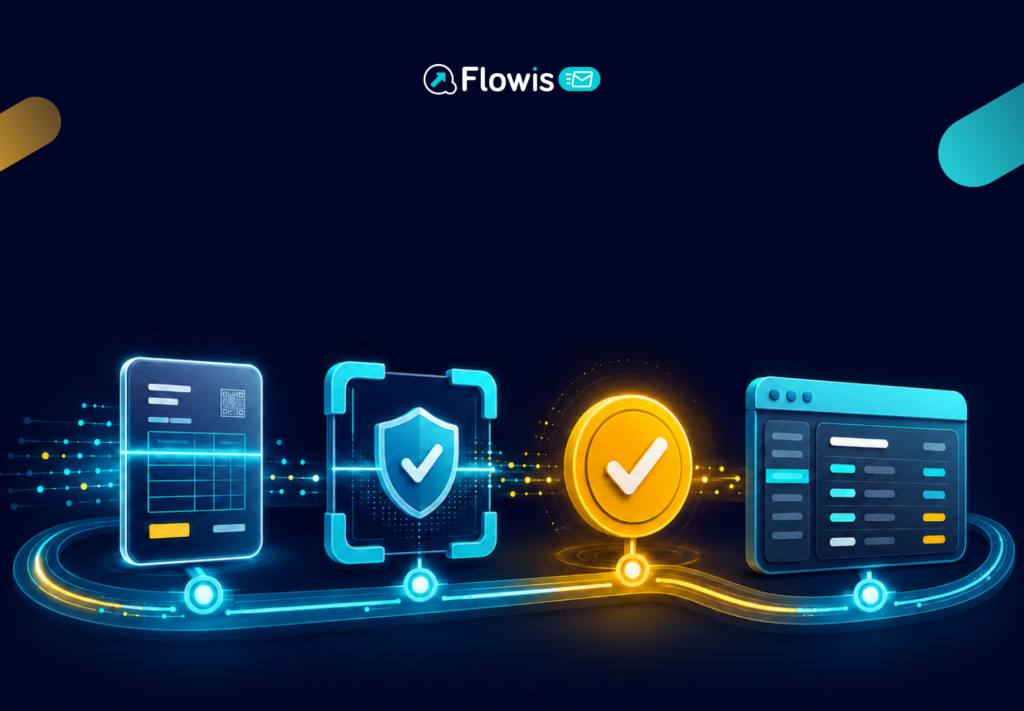
Once received, an e-invoice does not need to be printed or manually transcribed. When the process is set up correctly, the electronic document is sent from the supplier via a delivery service to the company’s system, where it is processed by the accounting department or an approver.
This is particularly important when preparing for electronic invoicing in Slovakia. Starting January 1, 2027, electronic invoicing in a structured format must be used for domestic transactions specified by law. The Financial Administration publishes the latest information and conditions.
1. The supplier will send the invoice electronically
The first step is to create an invoice in a structured electronic format. Unlike a PDF, this is not just a document intended for human reading. The invoice contains data that another system can process: supplier and customer identification , line items, taxes, amounts, dates, and the order number.
The supplier may send it via Peppol or another agreed-upon method of electronic delivery. It is essential for the recipient to specify where such invoices are sent and who will process them further.
2. The e-invoice will be delivered to the company’s channel
In the traditional process, an invoice is sent by email to a shared address, where someone downloads it, renames it, and forwards it; in some cases, it arrives by mail. With e-invoices, delivery can be made directly to the company’s chosen channel.
This channel can be an application or a solution for receiving e-invoices. The role of the Digital Mailbox is to securely receive the electronic document and forward it to the company according to the agreed-upon process.
For accounting purposes, this means that invoices no longer need to be scattered across email inboxes, attachments, and shared folders. The company gains a single location from which received documents are forwarded.
3. The system assigns the invoice to the correct process
Once received, not every e-invoice has to follow the same path. One might go directly into the ERP system, another might first be sent for approval, and a third might be assigned to a specific purchase order, cost center, or project.
Therefore, the company needs to determine the following in advance:
- who tracks received e-invoices,
- which invoices should be approved,
- based on which they should be assigned to orders,
- Where should documents be sent if there is no order,
- who handles incomplete or unusual invoices.
In a well-configured process, these rules are applied automatically. This way, the accounting team doesn’t start each day by sorting attachments, but instead works with invoices that already have an assigned owner and a next step.
4. The invoice is approved and prepared for posting
Receiving an invoice does not necessarily mean it can be paid immediately. The company needs to verify that the ordered goods or services have been delivered, that the price is correct, and that the expense falls within the correct accounting period.
Approval can be simple—for example, confirmation from a manager via email. However, when dealing with a large volume of invoices, it’s better to have a clear workflow. The approver knows what to do, the team knows where the document is, and the company has a record of who made the decision.
One of the advantages of received e-invoices is the availability of structured data. The system can process precise data—such as the invoice number, amount, due date, or order number—without having to manually transcribe it from a PDF or paper document.
5. The data will be transferred to the accounting system
Once approved, the invoice is posted or preparedfor export to the accounting system. The extent of automation depends on the ERP system used and how the process is designed.
Some companies only need to securely receive an e-invoice and open it in a web interface. Others want to automatically create a payables entry in the system, add a cost center, link it to a purchase order, and forward the document for payment.
It is important not to base your decision solely on whether the company currently uses an accounting system. Even a smaller business can start by simply accepting e-invoices and add integration later. A larger company should focus primarily on how incoming documents are linked to the approval process, orders, and accounting.
6. The invoice remains traceable even after it has been posted
The final step is archiving the document so it can be retrieved later. The accounting team needs to know who sent the invoice, when it was received, who approved it, and how it was posted.
In an electronic process, therefore, an audit trail is important. It assists with routine monitoring, resolving issues with suppliers, and conducting internal audits. If a company searches for invoices only by email or PDF filename, the process quickly becomes confusing.
How to Set Up E-Invoice Receipt
The most practical approach is to start with three questions: Where should the invoice be sent? Who decides what happens to it? And which system should the invoice data be entered into?
If a company knows the answers to these questions, it can choose the delivery method and the extent of integration. Receiving e-invoices via a digital mail service can then establish a connection between suppliers, the Peppol network, and the accounting system without requiring accountants to manually transfer each document.
A received e-invoice is therefore not just a new document format. It’s an opportunity to streamline a process that , in many companies , still often begins with an email attachment and ends with manually re-entering data.